New Player Setting: Default join region
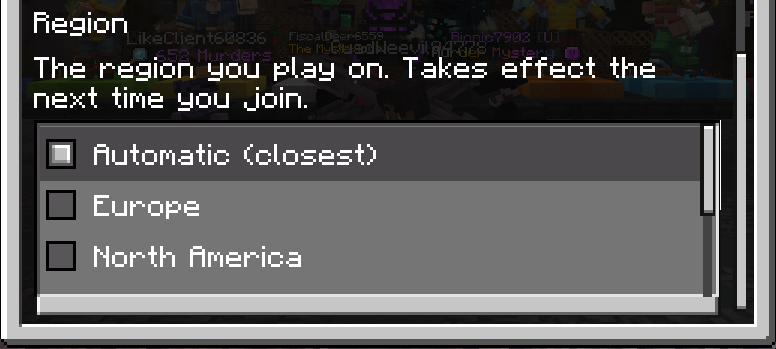
Scientists reveal the new Hive player setting! You can now set your default region without needing to add a special server entry, across all platforms.
Run /settings to access your Hive settings, select Experience, and modify your Region. All your future joins will automatically join that region (except for when a region is unavailable for maintenance).
For most players, we suggest keeping this set to the default Automatic option. However, if your automatic region isn’t the best for you, or if you simply prefer a different default region, this setting is for you!
This setting only works on the most recent 2 Minecraft versions. We’ve recently changed our server IPs, see our support website for the most up to date information.